Preview
see it on your wall.
A photo of your wall, your image laid on it: the scale becomes tangible.
It's a guide, not a proposal. You choose the photo of your wall and the image you would like to see on it, then you place the four corners of the wall: the image sits there to scale. Nothing more — and that is already enough to make up your mind.
The real image is composed by Brigitte for that wall: its light, its texture, what the place has to say. The eye first, the machine after.
Your photos stay on your device. They are sent nowhere unless you attach them to a request yourself.
Preview
01 The photo
The photo of your wall
No photo chosen
Straight on, the whole wall in frame.
02 Your image
The image you would like to see on it
No image chosen
A logo, a mural, a photo, a phrase: whatever you imagine on this wall.
03 The corners
The four corners of the wall
Choose the photo of your wall, then your image: the corners will appear on it.

Drag each magenta square onto a corner of the wall. With the keyboard: the arrow keys, and Shift for a larger step.
The preview does not appear here
This tool needs the browser scripts to lay your image on your photo. Send us the photo of your wall instead: the answer comes from a human eye, not from a machine.
I'll show my wallReal walls
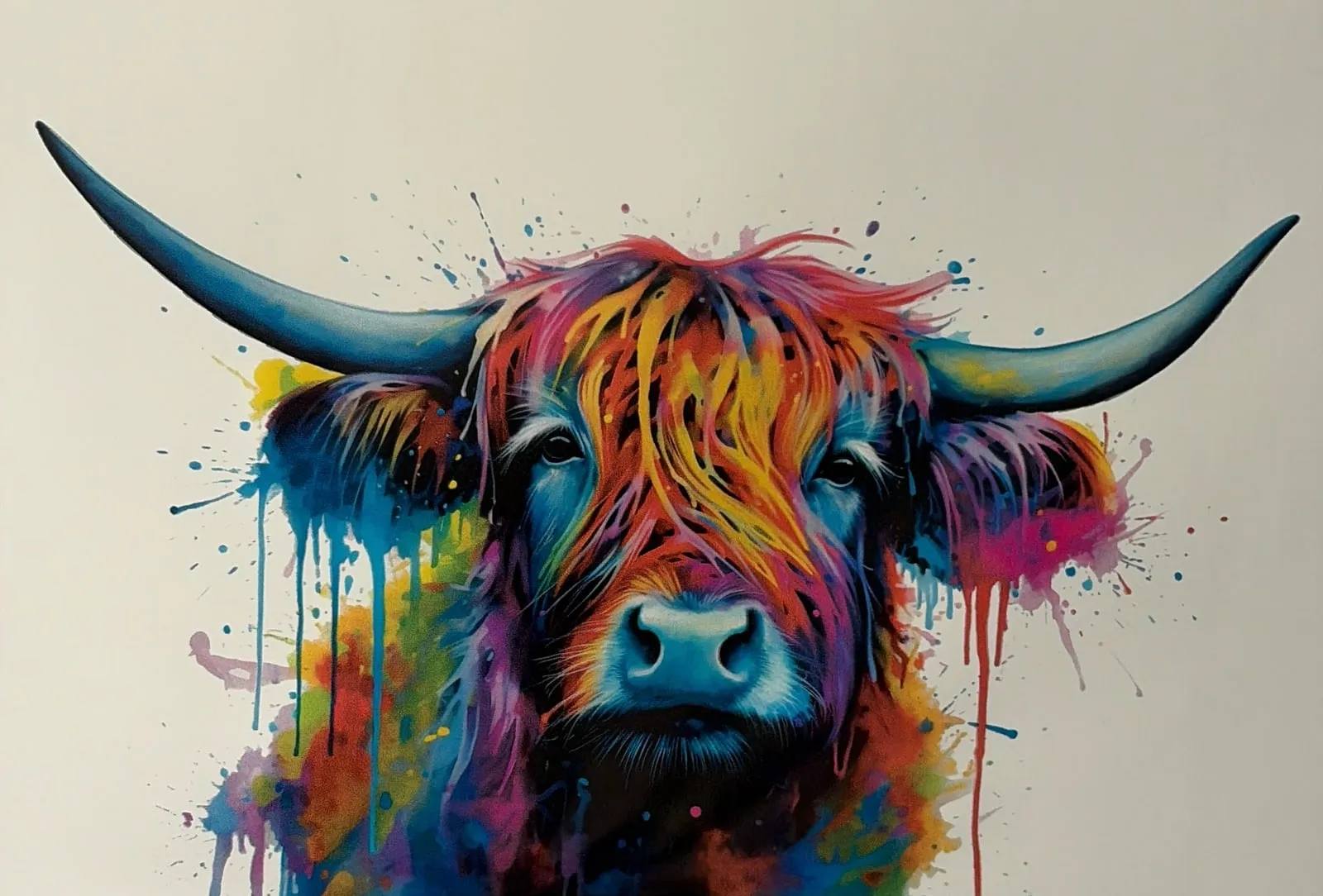
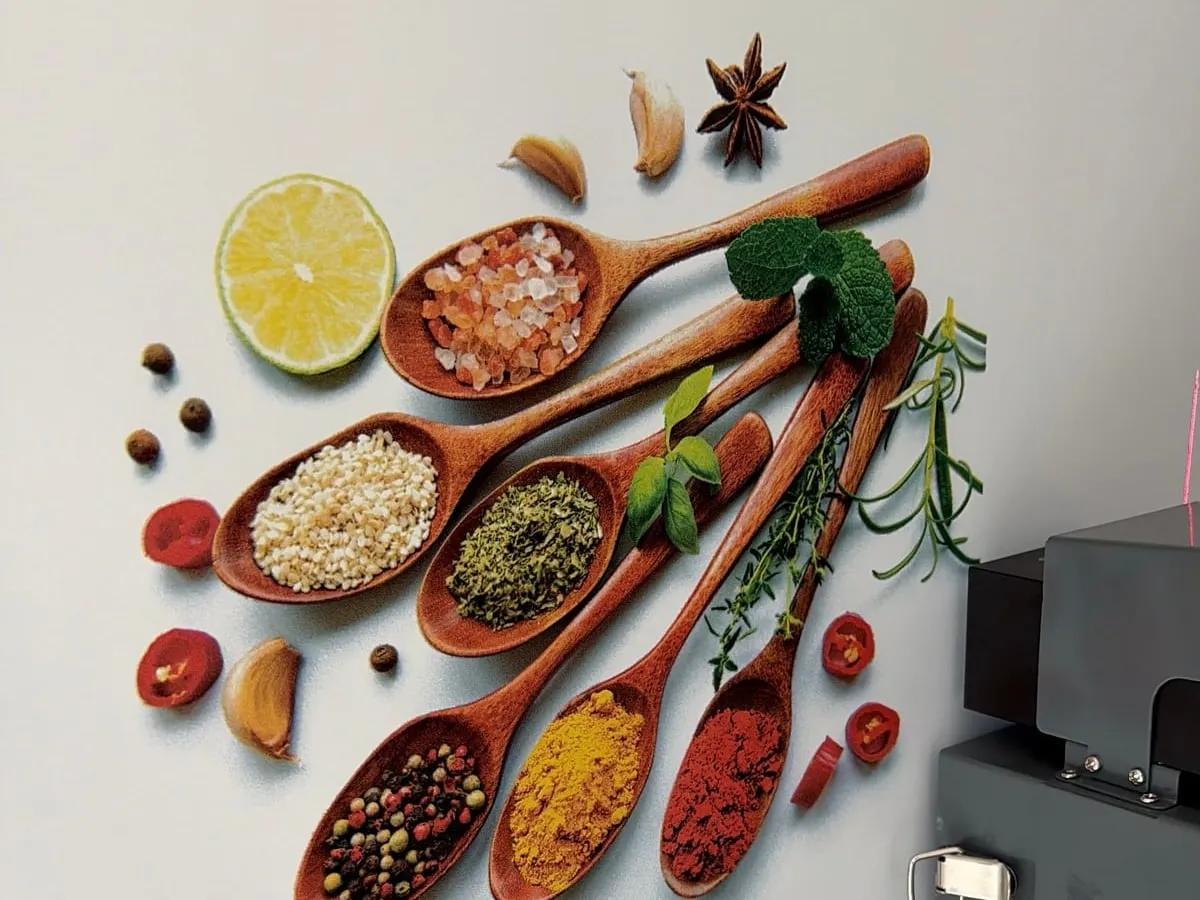
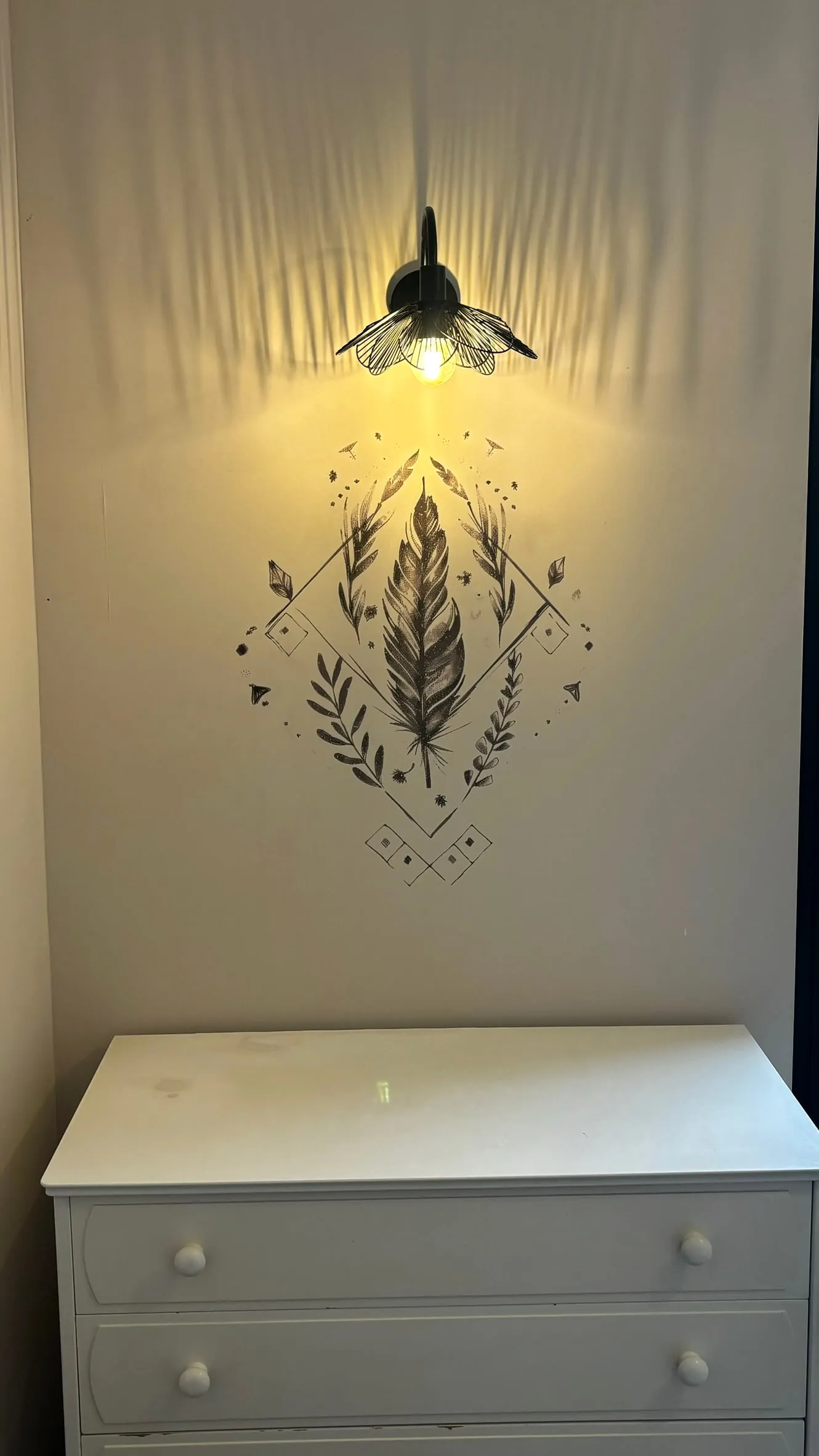
walls already printed
These exist: the ink was born on the surface, nothing had to be stuck on.
Your project
show us
your wall.
A photo of your wall, a photo of what you would like to see on it: we take care of the rest.
I'll show my wall